
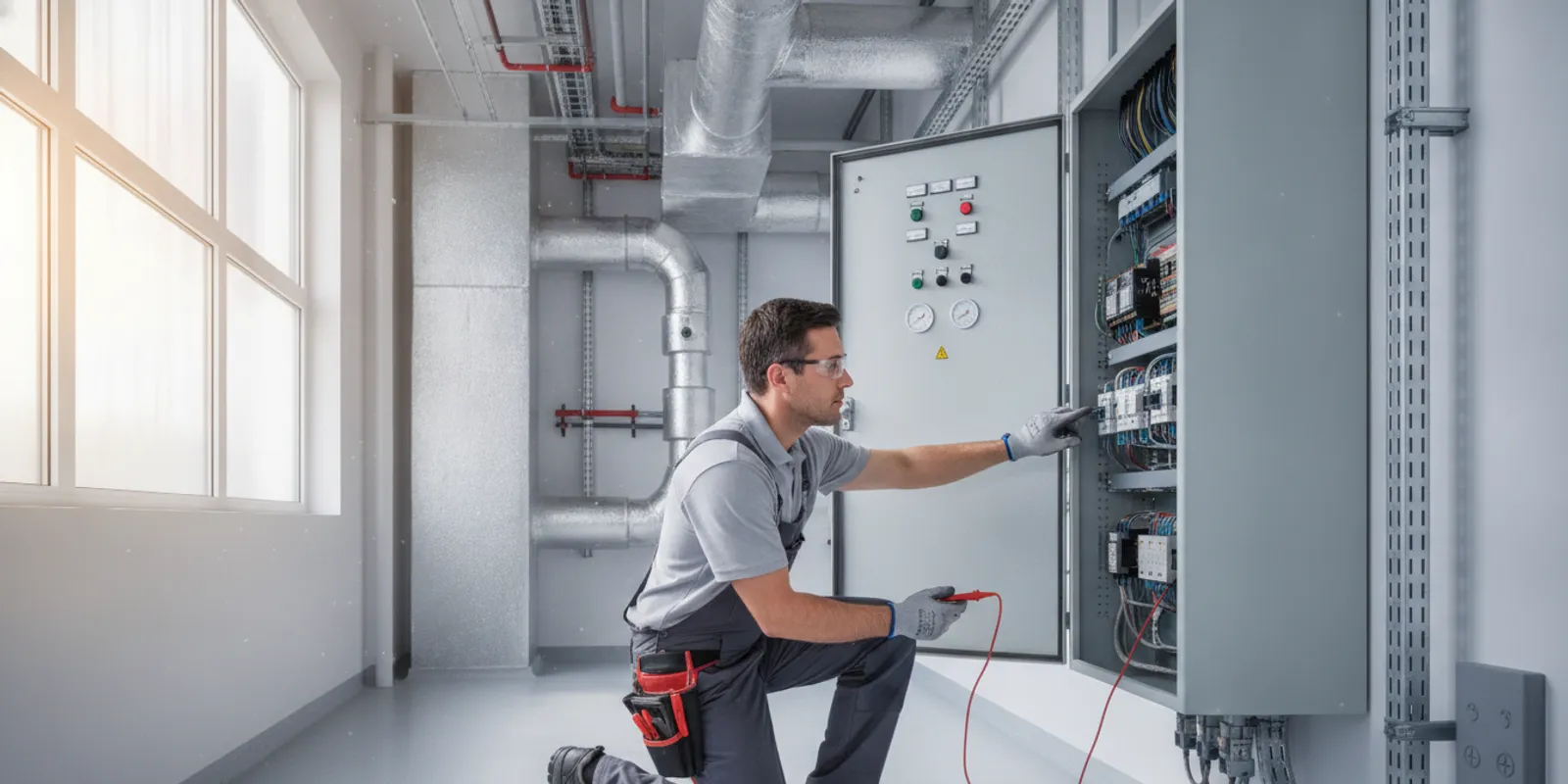
Commercial building HVAC controls coordinate heating, cooling, ventilation, and equipment schedules across a facility. They can range from local thermostats and equipment safeguards to connected controls serving many zones. The right arrangement depends on the building, its equipment, how people use each space, and who will operate and maintain the system.
Discuss your commercial HVAC controls
Call Airteks at (510) 719-0621
What do commercial building HVAC controls do?
Controls gather information, apply operating rules, and send commands to HVAC equipment. A thermostat is a simple example: it compares a room temperature reading with a setpoint and requests heating or cooling when conditions call for it. A larger facility may use multiple sensors and controllers to coordinate separate rooms, floors, equipment groups, or buildings.
Depending on the system design, controls may support several everyday tasks:
- Temperature regulation: Maintain heating and cooling setpoints in the areas served by each zone.
- Scheduling: Set operating periods for occupied hours, unoccupied hours, and planned exceptions.
- Equipment sequencing: Coordinate fans, heating stages, cooling stages, or other devices when the equipment supports those functions.
- Ventilation operation: Run ventilation equipment according to its design and applicable project requirements.
- Status and alarms: Display selected operating conditions or faults for staff to review.
- Operator adjustments: Let authorized users change schedules or setpoints within agreed limits.
Controls do not create heating or cooling capacity. They help operate equipment and distribute service according to the system design. That distinction matters when someone reports a room that is too warm or too cold. The control setting may be involved, but the cause could also be a mechanical fault, airflow condition, building use, or equipment that does not match the load.
Which parts make up a control system?
A commercial control system is a collection of components, not just a thermostat or a computer screen. The arrangement varies by building, but recognizing the basic roles helps facility teams describe a concern and understand a proposed change.
| Component | Main role | Useful review question |
|---|---|---|
| Sensors | Measure conditions such as temperature or equipment status. | Is the sensor in a sensible location, intact, and showing a plausible reading? |
| Controllers | Apply programmed rules and issue commands. | Which zones and equipment does each controller serve? |
| Actuators and relays | Carry out commands, such as moving a damper or switching a device. | Does the equipment respond when a command is issued? |
| Operator interface | Shows information and provides authorized adjustment tools. | Can the responsible staff find schedules, status, and meaningful alarms? |
| Network or gateway | May connect devices or pass information to a supervisory platform. | Which information crosses the connection, and who supports it? |
Some buildings have standalone controls at each piece of equipment. Others connect devices to a supervisory system, sometimes called a building automation system. A central interface can make it easier to review multiple zones, but connection alone does not guarantee that every device shares all the information or commands staff expect. Start with an inventory of equipment, zones, control components, and available drawings before planning an upgrade.
How do controls coordinate with HVAC equipment?
A control sequence describes how a system responds to conditions. For example, a zone sensor reports that a room is warmer than its setpoint. The controller may request cooling, subject to the equipment's operating limits, an occupied schedule, and any required interlocks. Fans, dampers, or other components may then respond according to the design.
The details of that sequence affect day-to-day operation. If schedules conflict, a sensor is poorly located, or a command does not reach the equipment, the result may not match staff expectations. When recording a complaint, note the room, time, displayed condition, and whether the issue affects one zone or several. A single-zone pattern and a whole-building pattern can point toward different areas for investigation, though neither is a diagnosis by itself.
Controls should also reflect actual facility use. An office, retail space, warehouse, and school may have different occupancy patterns and ventilation needs. Even within one building, a meeting room used after hours may need a different schedule from a nearby office. Ask occupants and maintenance staff when spaces are used, which hours are fixed, and how exceptions are requested. Avoid copying one schedule across every area unless their operating needs are genuinely alike.
Consider a facility where one conference room is uncomfortable during evening meetings, while nearby offices operate normally. Before changing the whole building's schedule, document the meeting dates, room temperature shown, current schedule, and whether the room's equipment responds when authorized staff request operation. If the room is outside the occupied schedule, a defined exception may address the use pattern. If the schedule already includes the meeting, the next step is to investigate the sensor, controller, and equipment response rather than extending every zone's operating hours. This simple comparison helps keep a local concern from becoming a building-wide change without evidence.
For each zone, it can help to make a compact reference with the space name, normal hours, control device, and person responsible for approved exceptions. This does not replace system drawings or professional review. It gives operators a shared starting point and helps identify mismatches, such as an area label on the interface that no longer matches the room's current use.
For a closer look at equipment and service needs, see Airteks' commercial HVAC services and information on commercial HVAC systems. A controls review should relate settings and functions to the equipment actually installed.
What should teams assess before changing or connecting controls?
Before choosing new controls or connecting existing equipment, identify what is installed and what the facility needs. Older and newer equipment can coexist, and a communications connection does not automatically mean every function is compatible. A careful assessment can help teams clarify the scope, avoid assumptions, and identify what must be verified after work.
- Inventory the equipment and zones. List equipment type, served areas, existing thermostats or controllers, and known constraints. If an equipment label is unreadable or documentation is missing, record that gap rather than guessing.
- Collect the available records. Gather sequence descriptions, wiring information, equipment manuals, previous service notes, and drawings. Mark which documents appear current and which may no longer match field conditions.
- Describe operating needs. Write down normal hours, recurring after-hours use, seasonal changes, comfort concerns, and who may authorize schedule or setpoint adjustments.
- Decide what staff need to see. Prioritize useful readings, alarms, and operating states. An alarm is valuable only if the appropriate person can interpret it and knows what response is expected.
- Check compatibility and responsibilities. Ask which devices can communicate, which functions can be monitored or commanded, what additional wiring or interface work may be needed, and who supports each layer later.
- Agree on how the work will be checked. Define how schedules, commands, alarms, and operator access will be tested, and what documentation and training staff will receive.
These questions are especially useful when a building has been renovated in stages. For instance, a facility may have a newer controller serving an older air handler. The project team should establish whether the connection can provide only status information or can also support particular operating commands. The answer affects what staff can expect from the interface and what testing belongs in the project.
The U.S. Department of Energy's presentation on basic HVAC controls and energy codes introduces control concepts and compliance strategies. It is a general reference, not a determination of requirements for a particular building. Applicable codes depend on the project and jurisdiction, so confirm current requirements with the appropriate project professionals.
Airteks provides commercial HVAC services for businesses and institutions. For a building-specific conversation, teams can also review the company's information about commercial HVAC system design and document their operating goals before discussing control changes.
How should a facility maintain HVAC controls?
A system that appears online is not necessarily operating as intended. Sensors can be obstructed or damaged, schedules can become outdated, and a device may not respond even when an interface shows a command. Add control checks to the facility's planned HVAC upkeep, and keep a record of adjustments so later reviews have a useful baseline.
- Review occupied and unoccupied schedules after changes to building hours, tenancy, or room use.
- Compare displayed readings with the conditions in the relevant area; investigate readings that seem persistently implausible.
- Look for accessible sensors that are blocked, damaged, or no longer identified clearly.
- Review recurring alarms and decide whether they are actionable, need investigation, or reflect an obsolete setting.
- Have qualified personnel verify that important commanded functions occur, using safe procedures appropriate to the equipment.
- Record each setpoint, schedule, sequence, or device change with its date, reason, and responsible person.
- Keep access instructions and operator guidance available to the staff who are expected to use the system.
A short change log can prevent confusion. For example, if a room's schedule is extended for an evening event, note the affected zone, the temporary end date, and who will restore the regular schedule. Without that note, a temporary exception can be mistaken for the intended daily program.
Avoid repeated adjustments to mask an unresolved problem. Changing settings without recording the original condition can make diagnosis harder. When controls concerns coincide with persistent comfort problems, alarms, or unusual equipment behavior, have the control side and HVAC equipment considered together. Airteks also offers HVAC maintenance for planned service needs.
What are common signs of a control issue?
Possible clues include schedules that do not match actual operation, readings that differ sharply from the room experience, recurring alarms, equipment that does not respond to an authorized command, or a comfort complaint limited to one zone. Similar symptoms can arise from different causes. A sensor fault, wiring issue, equipment problem, airflow concern, or incorrect schedule may overlap, so symptoms should guide investigation rather than be treated as proof.
Before requesting help, note the affected area, when the issue occurs, what the interface displays, whether nearby zones behave differently, and whether a schedule or equipment change happened recently. If the concern involves an HVAC fault or equipment not operating as expected, Airteks' page on commercial HVAC repair offers a relevant service starting point. Do not open electrical enclosures or bypass safety devices as part of a basic check.
How can you compare control approaches?
No single arrangement is right for every commercial building. Compare options against the number of zones, existing equipment, staff capacity, and the effort required to support the system over time. The comparison should focus on what facility staff need to accomplish, rather than on a screen or feature list alone.
| Approach | May suit a facility when | Questions to resolve |
|---|---|---|
| Local thermostats and equipment controls | There are relatively few zones and straightforward operating needs. | Can staff manage schedules locally and recognize when service is needed? |
| Supervisory controls or building automation | Staff need a central view across multiple zones or equipment groups. | Which devices are included, what can each communicate, and who will support the interface? |
| Phased improvements | Equipment varies in age or a full replacement is not currently planned. | Can priorities be addressed in stages without creating unsupported connections? |
For each option, request a plain description of the equipment included, control functions, required wiring or network work, commissioning checks, operator training, and ongoing support. Clarify who investigates a concern that crosses between a control device and mechanical equipment. A modest arrangement that staff can operate and maintain may be a better fit than a more elaborate system whose responsibilities are unclear.
Also consider how the building may change. If a tenant area is likely to be reconfigured or operating hours vary, ask how changes to zones and schedules would be handled. If the facility has several buildings, determine whether the staff who will use a central view have the time and training to review it. These practical questions help distinguish an immediately useful improvement from a feature that may not serve the current operation.
What should you ask an HVAC professional?
Bring an equipment list, operating hours, recurring comfort concerns, and any available control records. Clear observations make the conversation more productive. Useful questions include:
- Which components currently control each zone and piece of equipment?
- What could explain the observed issue, and what checks would help confirm the cause?
- Can existing controls support the requested operation, or would equipment changes also be needed?
- Which settings may facility staff adjust, and which should remain restricted?
- How will the work be tested, recorded, and explained to operators after changes are made?
- What ongoing review or maintenance should the facility plan for?
If several areas are involved, bring a simple floor plan or list that connects zone names to their served spaces. If there is only one recurring complaint, keep a brief log with dates and conditions instead of trying to collect every available reading. Airteks serves commercial clients across Northern California, including the Bay Area, Central Valley, and Sacramento region. Its commercial service-area information can help facility teams identify relevant service coverage.
Call Airteks at (510) 719-0621
Contact Airteks to discuss a commercial HVAC system
Frequently Asked Questions
Are HVAC controls the same as a building automation system?
No. HVAC controls include devices and rules that operate heating, cooling, and ventilation equipment. A building automation system is a supervisory layer that may connect and display information from HVAC and other building systems. Ask which specific components and functions are included when someone uses either term.
Can one control system work with equipment from different manufacturers?
It may be possible, but compatibility depends on the equipment, controllers, interfaces, and functions involved. Confirm which information can be monitored, which commands can be sent, and what additional work is required before assuming that devices will integrate.
How often should commercial HVAC controls be reviewed?
Include a review in planned HVAC upkeep and revisit controls when occupancy, operating hours, equipment, or building use changes. The appropriate schedule depends on the facility's needs and the control arrangement. Keep notes on what was reviewed and any changes made.
Can changing a thermostat setting fix a control problem?
It can correct a simple setpoint mismatch. Persistent symptoms may point to a sensor, control, equipment, or airflow issue. Record the original setting and avoid repeated adjustments when the cause is unclear.
What is the next step?
A practical controls plan starts with the equipment already in place, the way people use the building, and the staff responsible for operation. Document the current arrangement, identify specific problems or goals, and have the controls and HVAC equipment evaluated together before making changes.
Comments